
A song can carry its own sheet music: the PDF of a lead sheet, a band part, photos of a songbook's pages. You read them in the song itself, in the Files view, and they stay on your phone.
Attaching a file
- Open the song and tap the middle of the chart. Its menu opens.
- Tap the ⋯ button (More) at the top, then Files….
- Tap Files to choose PDFs or images on your phone, several at once if you like, or Camera to photograph a page.
A photo you take is shown before it is kept: choose Photo (as taken) or Scan (black and white, far smaller), then tap Attach. Gigplay takes PDFs and images only.
The same page is also the Files tab of the song's editors, beside Chords, Lead and Lyrics (Editing charts).
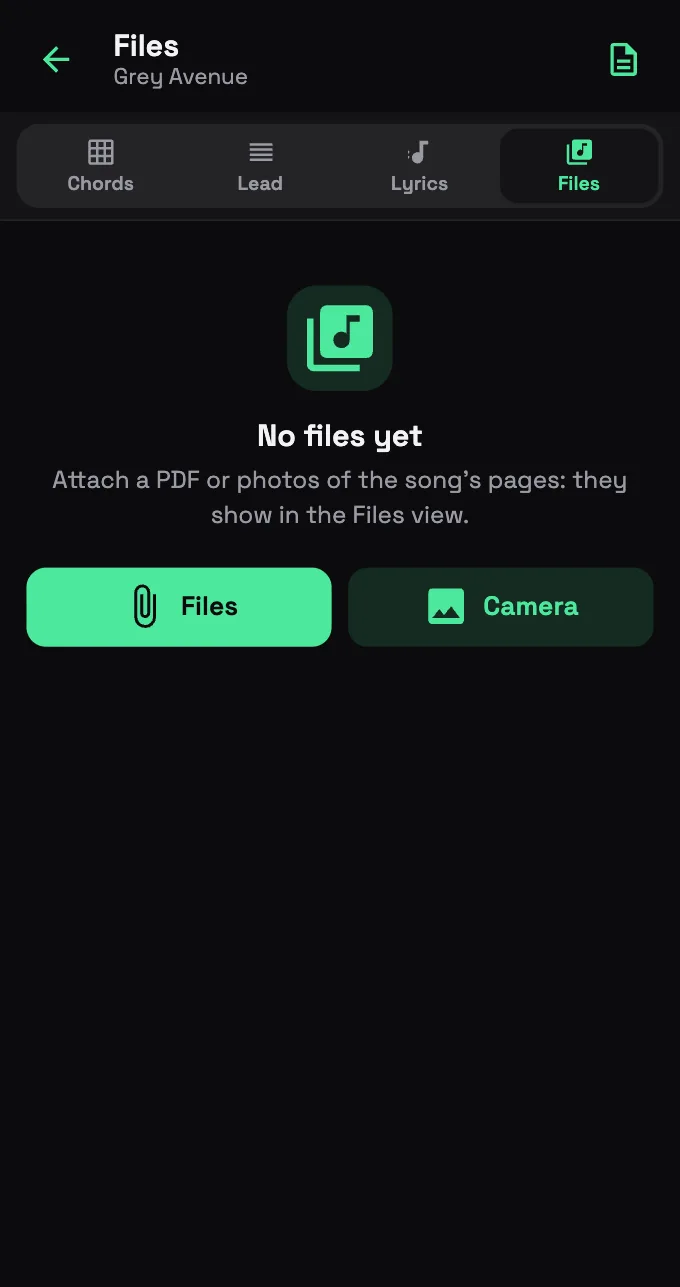
Arranging them
Each file on that page has its ⋯ button:
- Rename…
- Pages…, for a PDF: its first and last page to show, when the song is a few pages of a whole book. Show all pages shows the whole file again.
- Remove, with Undo in the message that follows.
The file marked Shown first opens first. Hold a file and drag it to change the order.
Reading them
- Open the song's menu, tap the ⋯ button, then Mode.
- Tap Files. The first file shows, a page at a time, as large as the screen allows.
- Tap the right edge of the page to turn it, the left edge to go back. A tap in the middle opens the song's menu.
Along the bottom of the screen, a swipe left or right turns the page instead of changing song; the Swipe zone pad in the menu sets when that strip is shown. A page-turner pedal turns the pages too.
With the menu open, the file's name shows at the top. Tap it to choose another of the song's files, or Edit files… to go to the Files page. A song with no files shows Attach instead.
Where they are kept
- On your phone, in Gigplay's own storage. Gigplay sends them nowhere.
- Android's backup to your Google account leaves them out; it copies your songs, playlists and settings only.
- A backup made in Gigplay holds them only if you tick Song files (Settings, Library). A song sent to a bandmate carries them only if you choose the Gigplay row that says "with files" in Export. See Sharing and backups.
- Removing a file takes it off the song; the phone keeps the file, so that Undo and your backups still find it.