Chord charts · Lead sheets · Setlists
Your songs, ready for the gig.
Write your songs' chords, melody and lyrics, read each one the way you play it, and keep them in setlists for the gig, on your phone or tablet.
One song, every way you read it.
Chords for the rhythm section, the tune for the horns, the words for the singer. Each song opens in the view you choose, and you can set up views of your own.
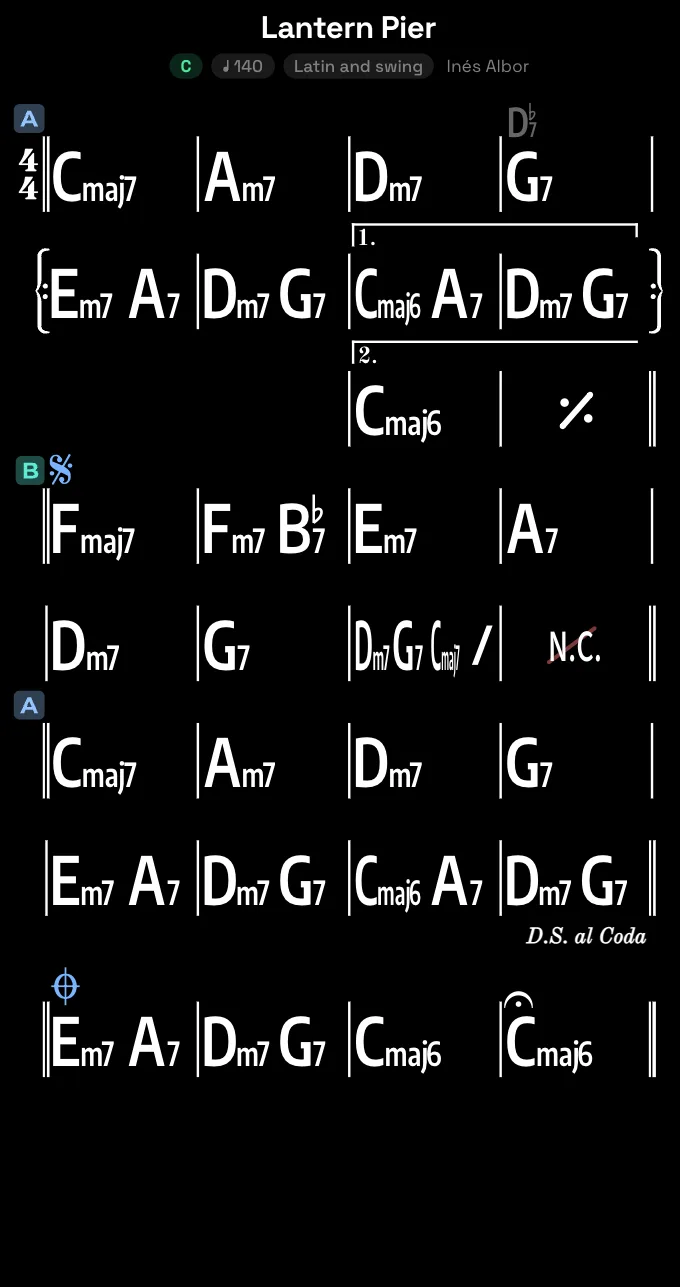
Chords
The chart as musicians write it: sections, repeats, endings, codas. The whole song fits the screen.
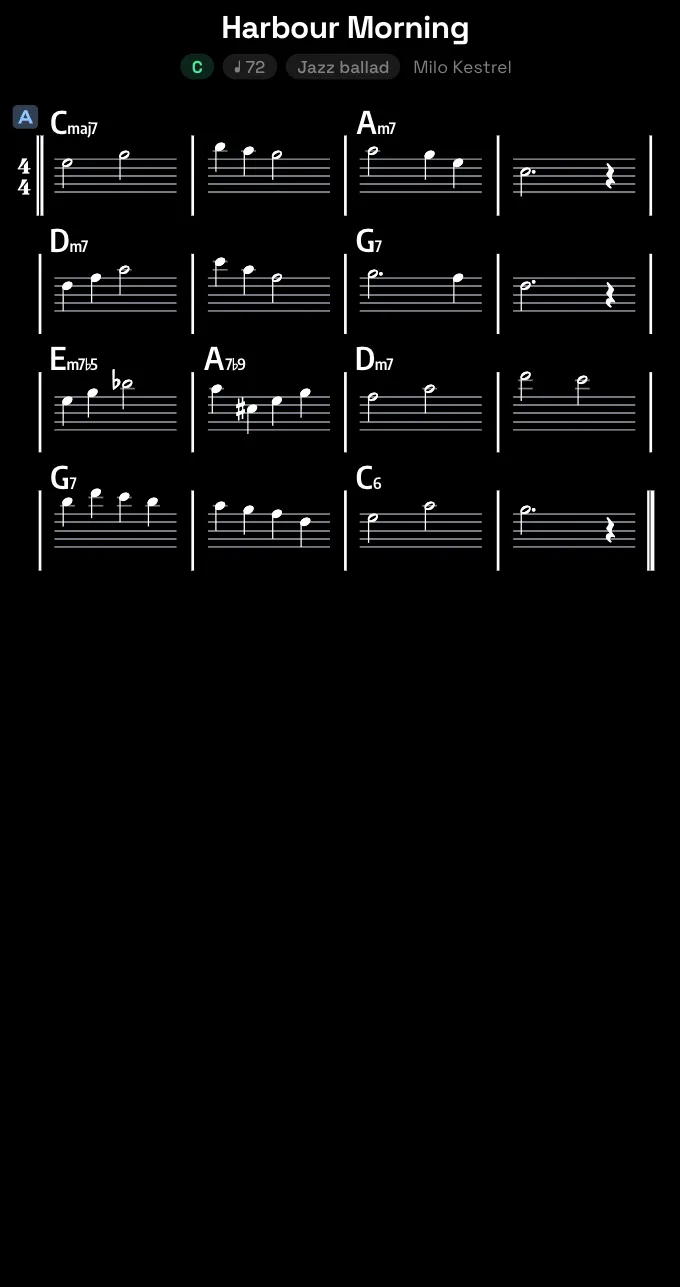
Chords + melody
The same grid, with the melody on a small staff in every bar, under its chords.
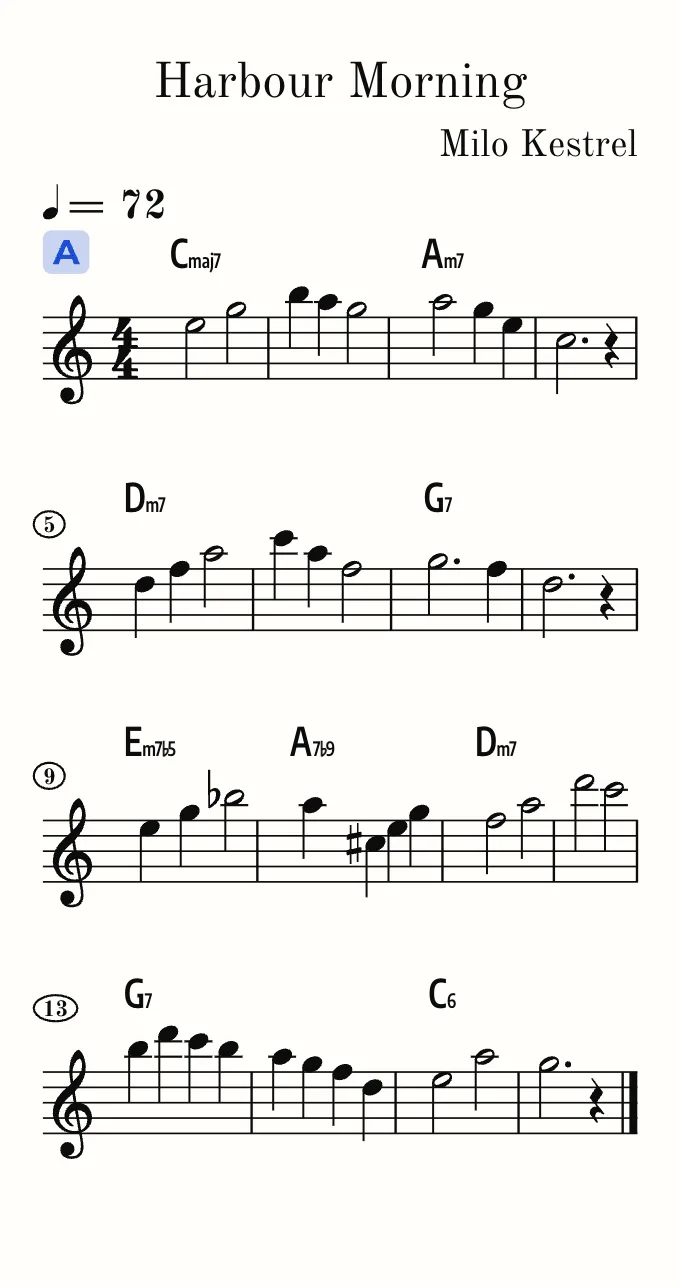
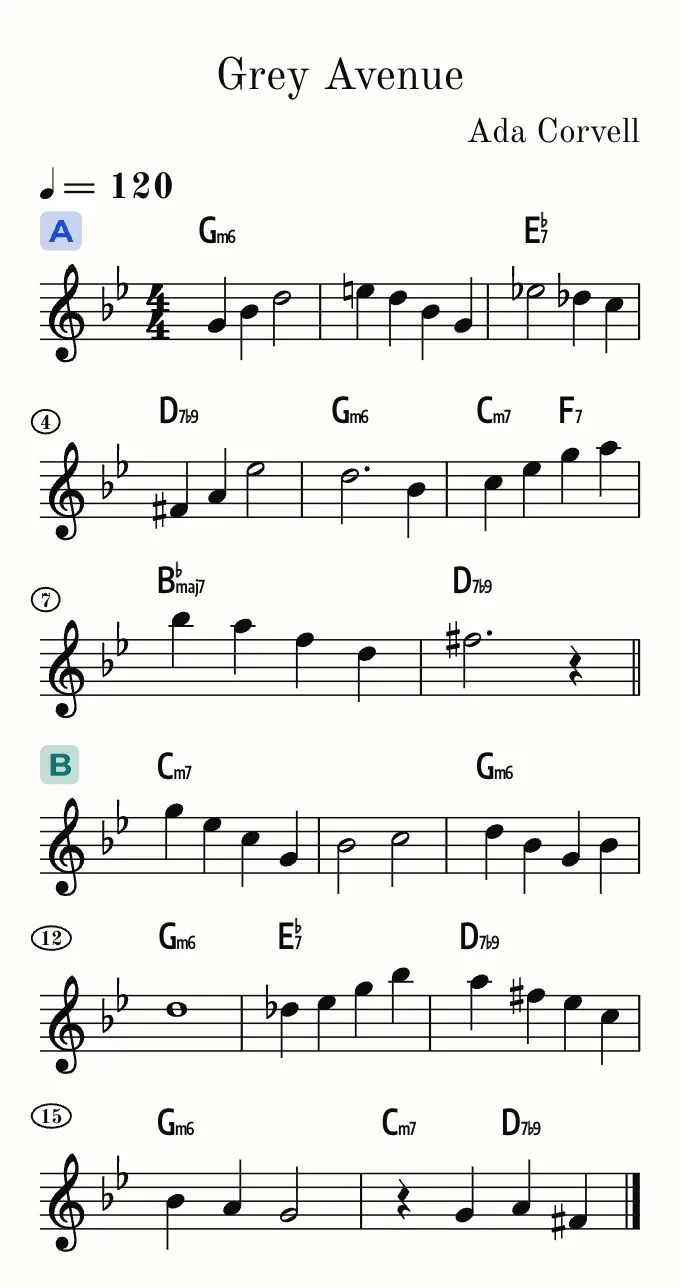
Score
A full lead sheet. Add the lyrics and read them beside the chart or as a songbook.
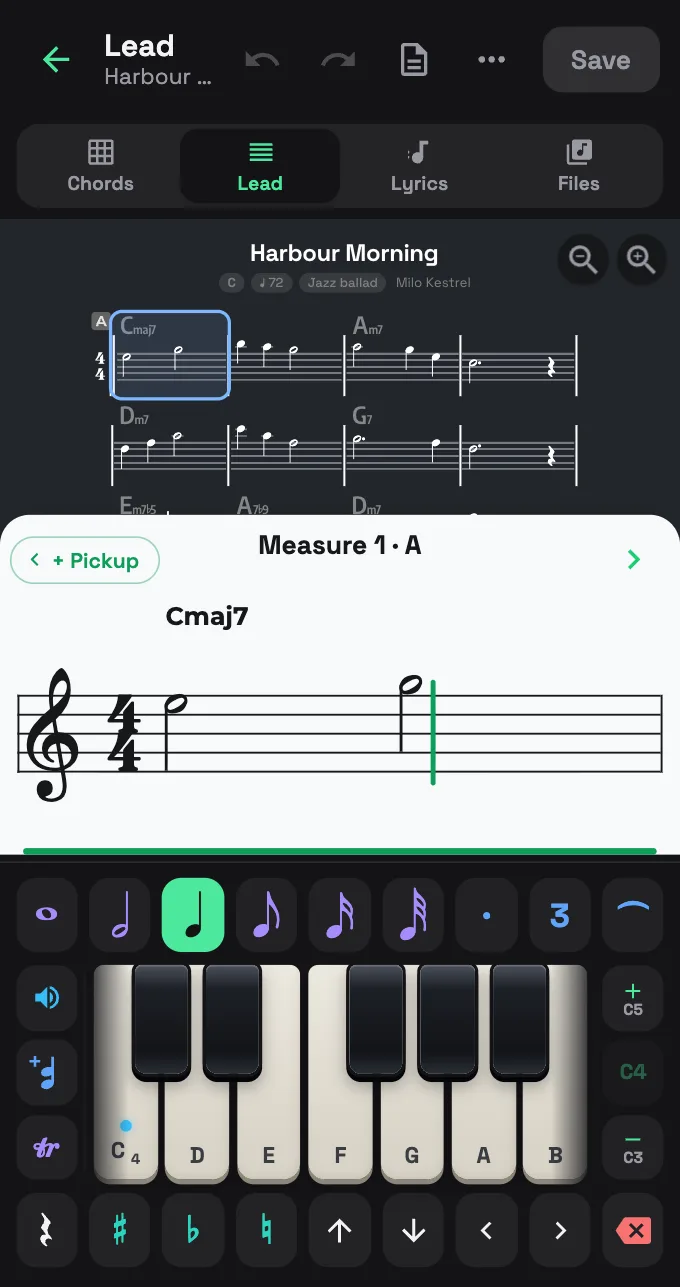
Write the chords, the tune and the words.
Keyboards made for music, not for letters: one for chords, a piano for the melody. What you write is checked and shown as it will look.
- ChordsNotes, qualities, extensions, slash bass, alternate chords, N.C.
- StructureSections, time signatures, repeats, endings, segno, coda, D.C. and D.S.
- Melody and lyricsThe tune on a keyboard of its own, the words as plain text or in ChordPro.
- No fearUndo, redo, saved versions, and back to the original whenever you want.
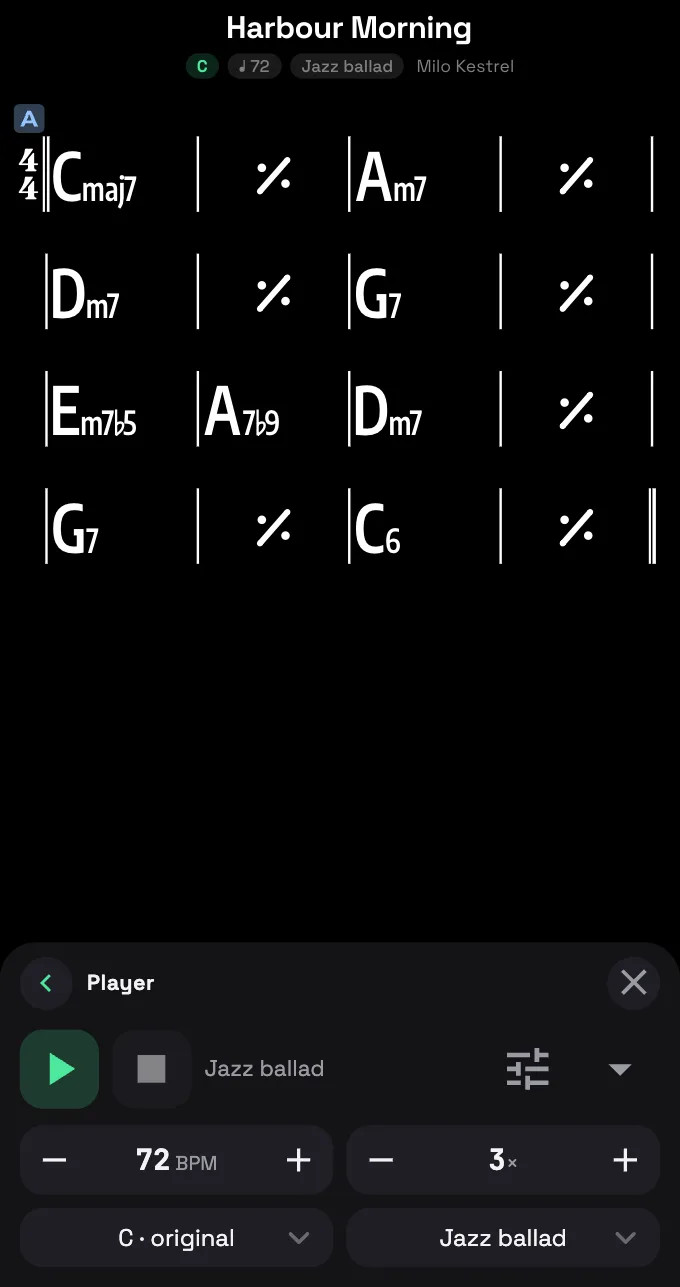
A rhythm section that never gets tired.
Piano, bass and drums play your chart in the style you pick, at your tempo, in your key, as many choruses as you need.
- StylesSwing, ballad, bossa nova, latin, manouche and many more.
- Any keyTranspose a song and its melody together, spelled right: in G♭ the IV is C♭, not B.
- Take it with youExport what you hear as MIDI or audio.
- One tap awayKey, zoom, simple chords, light or dark: a tap on the song opens its menu.
Your whole book, in order.
Everything a working musician carries, and nothing that needs a signal.
Setlists
Playlists for every gig
Order them, group them, add separators between sets. Each song remembers its key in each list.
Search
Find it by title or by changes
Search as you type, by title, composer, lyricist, performer or tag; browse by key, style, composer or tag, or look for a chord progression.
Files
Sheets and photos with the song
Attach PDFs and photos of the parts you already have, and open them from the song.
Import · Export
Bring your songs
Open songs from other apps, in MusicXML, ChordPro, ABC or iReal Pro, as well as Gigplay files, and save yours in any of them, or as PDF, image, audio or plain text.
Your look
The chart in the font you like
Choose the chord font, how chords and signs are written, light or dark, and the accent colour.
65 languages
In your language
Gigplay follows your phone's language, from English and Spanish to Japanese, Arabic and Welsh.
It works offline, and it keeps to itself.
Your songs, playlists and settings stay on your device. Gigplay has no account and no server, so there is nothing to sign up for and nothing to send. Read the privacy policy.
- Accounts none
- Analytics none
- Advertising none
- Tracking none
- Data collected none
New to Gigplay?
The guide shows, step by step, how to bring in your songs, write a chart, set up the band and build a setlist.
Questions
Does Gigplay need an internet connection?
No. Everything works offline, the backing band included, and your songs are kept on your device.
Can I bring my songs from another app?
Yes. Gigplay opens songs saved as MusicXML (from notation programs), ChordPro, ABC or in the iReal Pro format: from a message, your files or another app's Share. It saves your songs in those formats too.
Where are my songs kept, and how do I back them up?
On your device only. You can save a copy of your whole library as a file whenever you like, and Gigplay keeps safety copies of its own in case something goes wrong.
Does it work on tablets and folding phones?
Yes. The chart resizes to fit the screen, upright or on its side.
How do I report a problem or ask for something?
Write to hello@gigplay.app. We read everything.
Notes for working musicians
Reading and writing charts, chords and progressions, keys, setlists and gigs.
 Choosing apps and toolsChoosing a chord chart app: 10 things to checkWhat to look for in a chord chart app for band charts: chord entry, correct transposing, road maps, numbers, stage reading and export, with a test chart.
 Chords and chord symbolsChord symbols chart: what every chord symbol meansA chord symbols chart with notes in C, and how to read any symbol: root, quality, seventh, extensions, alterations and bass. Plus what +, −, Δ and ø mean.
 Formats and filesChordPro format explained: syntax and examplesChordPro is plain text: chords in [brackets], directives in {braces}. A full example song, every common directive and its short form, and how to transpose.
Coming soon to Android and iOS.
Questions, ideas, or a chart that does not look right? Write to us.