
Guide
Gigplay guide
How to do things in Gigplay, one step at a time.
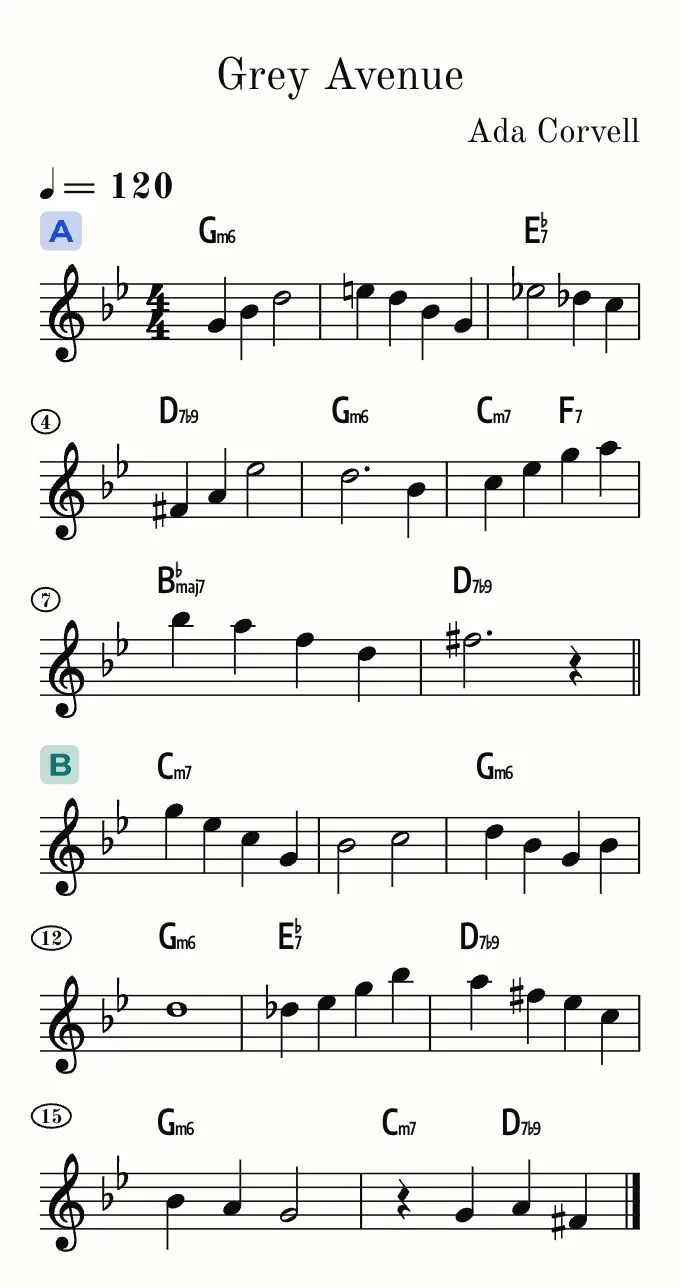
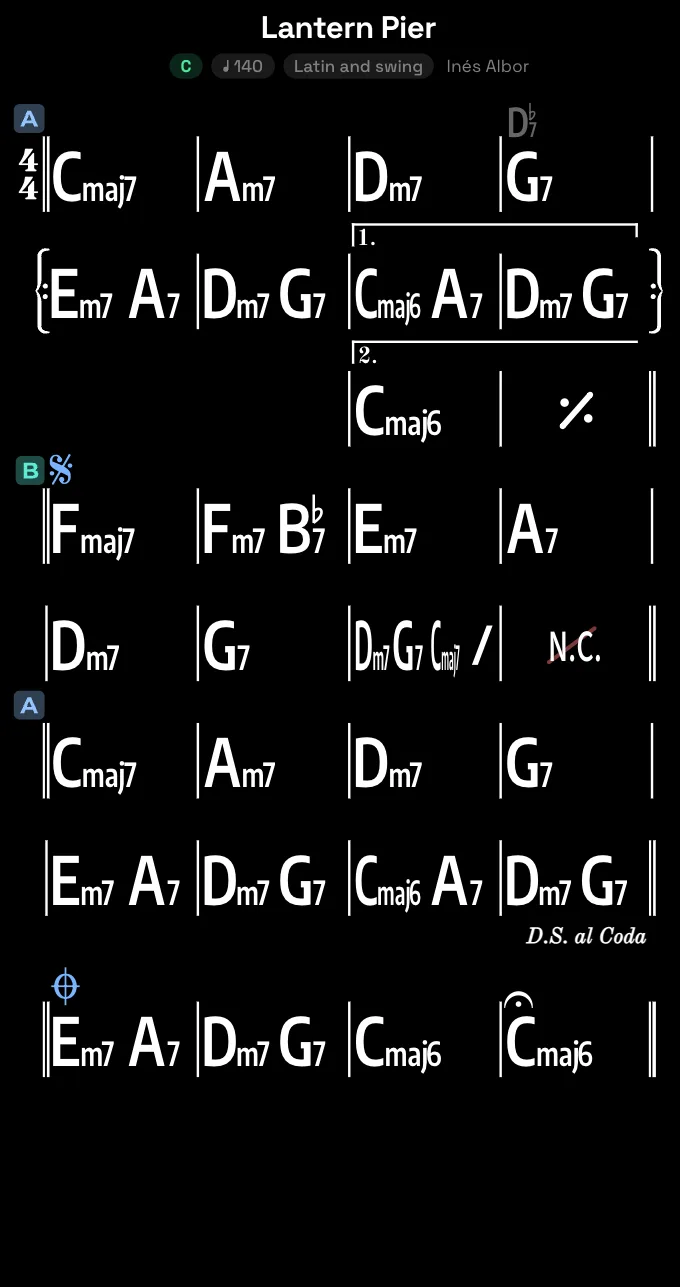
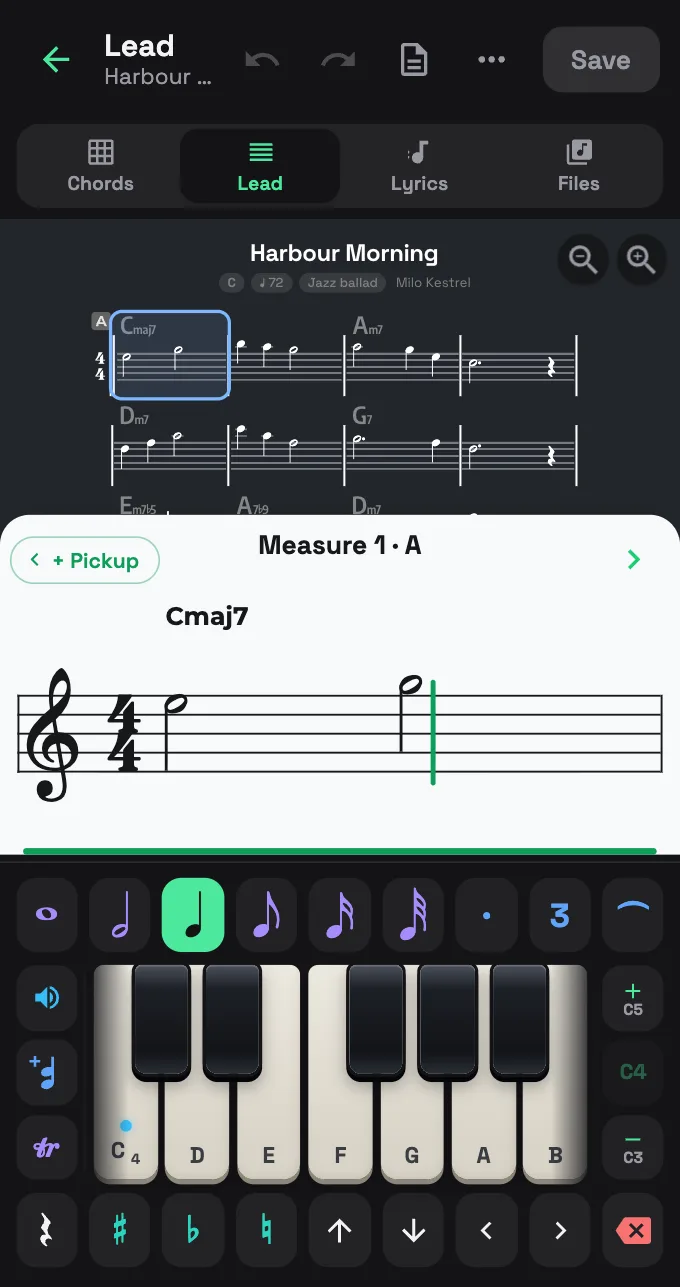
- 01
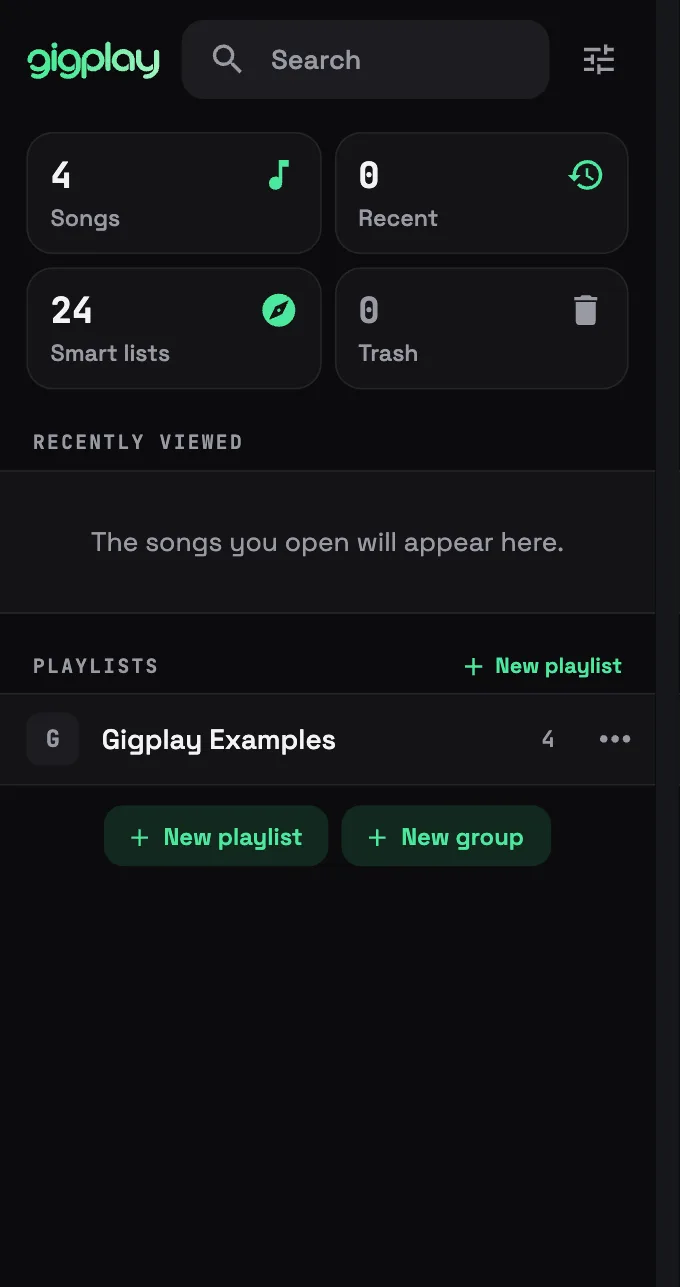 Getting startedThe first launch, the home screen, the example songs, and how to open a song, use its menu and move through a playlist.
- 02
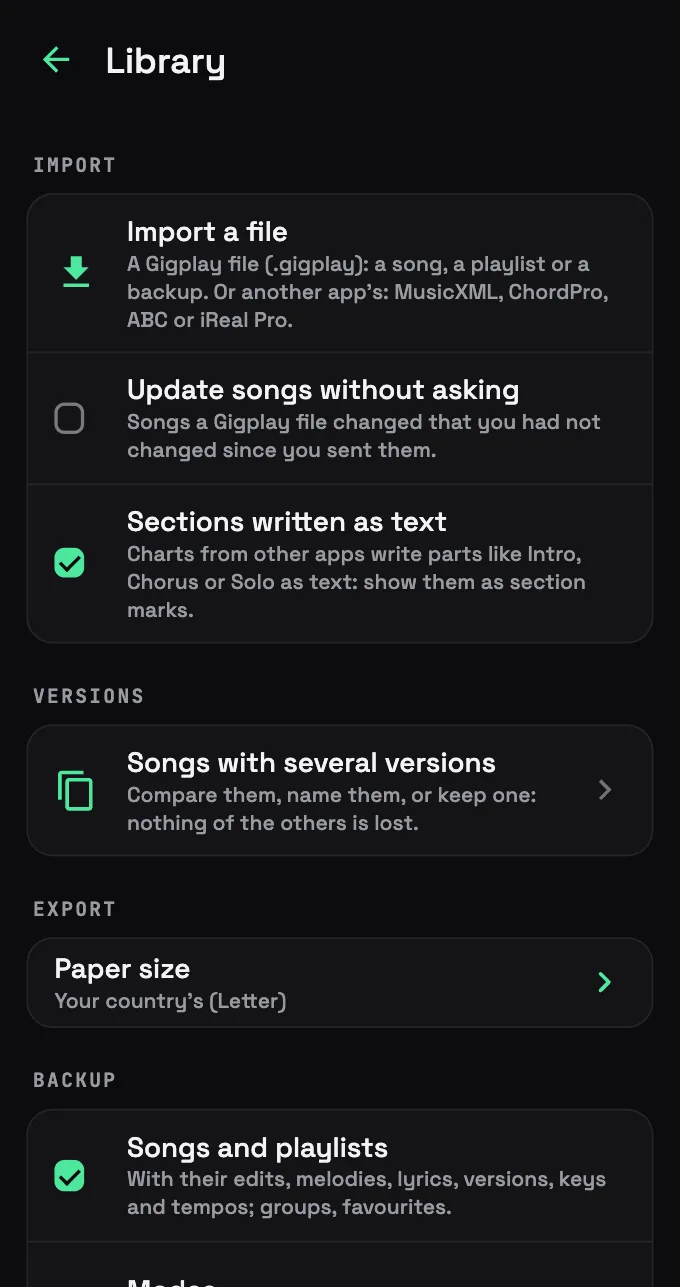 Bringing in your songsHow songs and playlists get into Gigplay, from Gigplay files or other apps' formats, what the import screen asks, and how to undo an import.
- 03
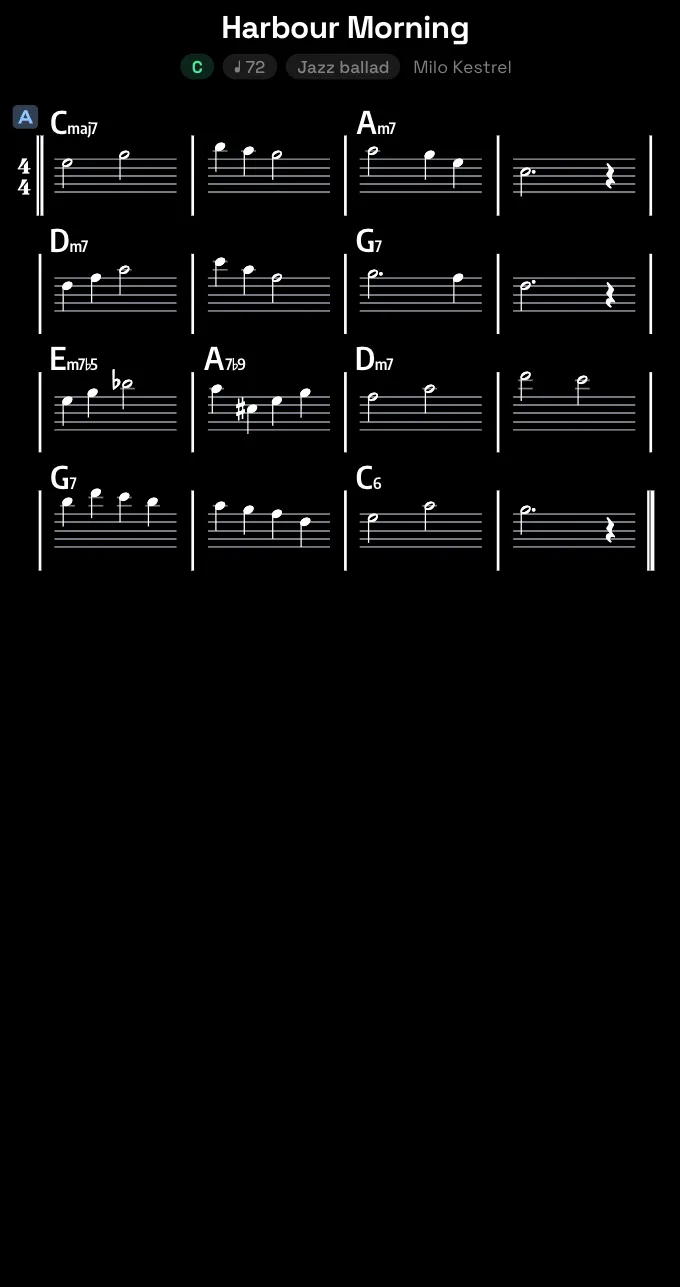 Reading a songThe ways a song can be shown, how to change from one to another, how to make the chart easy to read, and where your notes are.
- 04
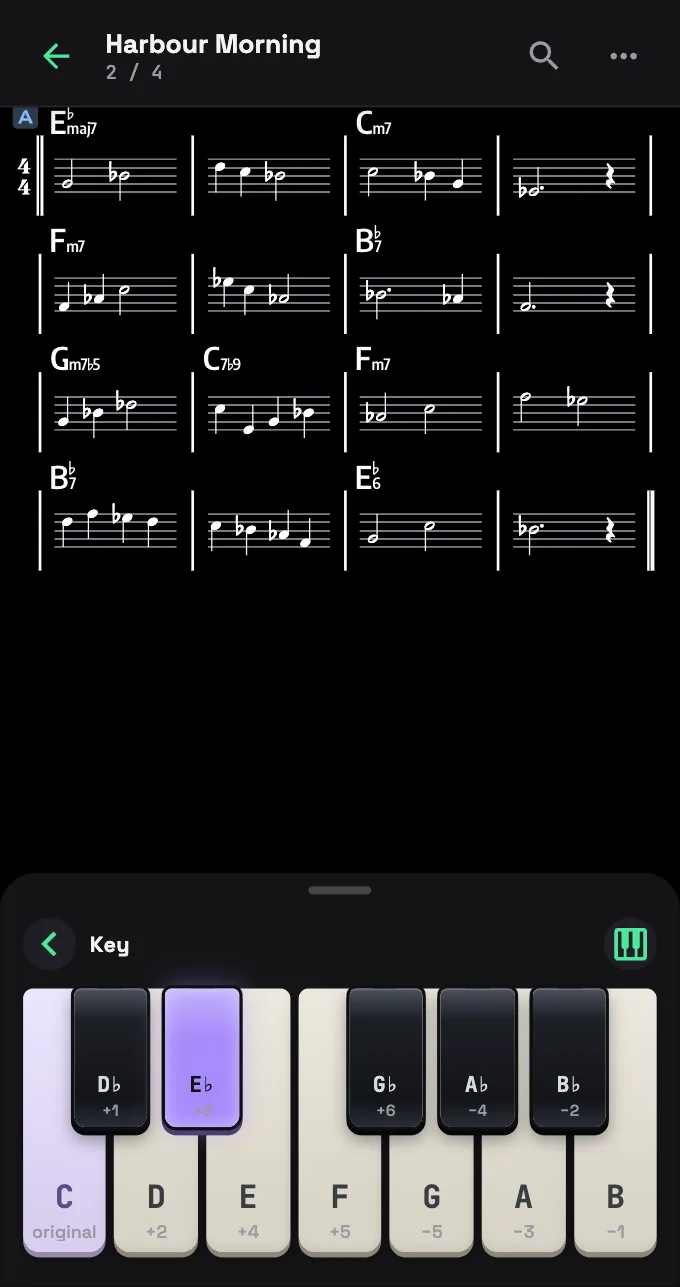 Changing keyHow to play a song in another key, and how Gigplay remembers the key for each song and each playlist.
- 05
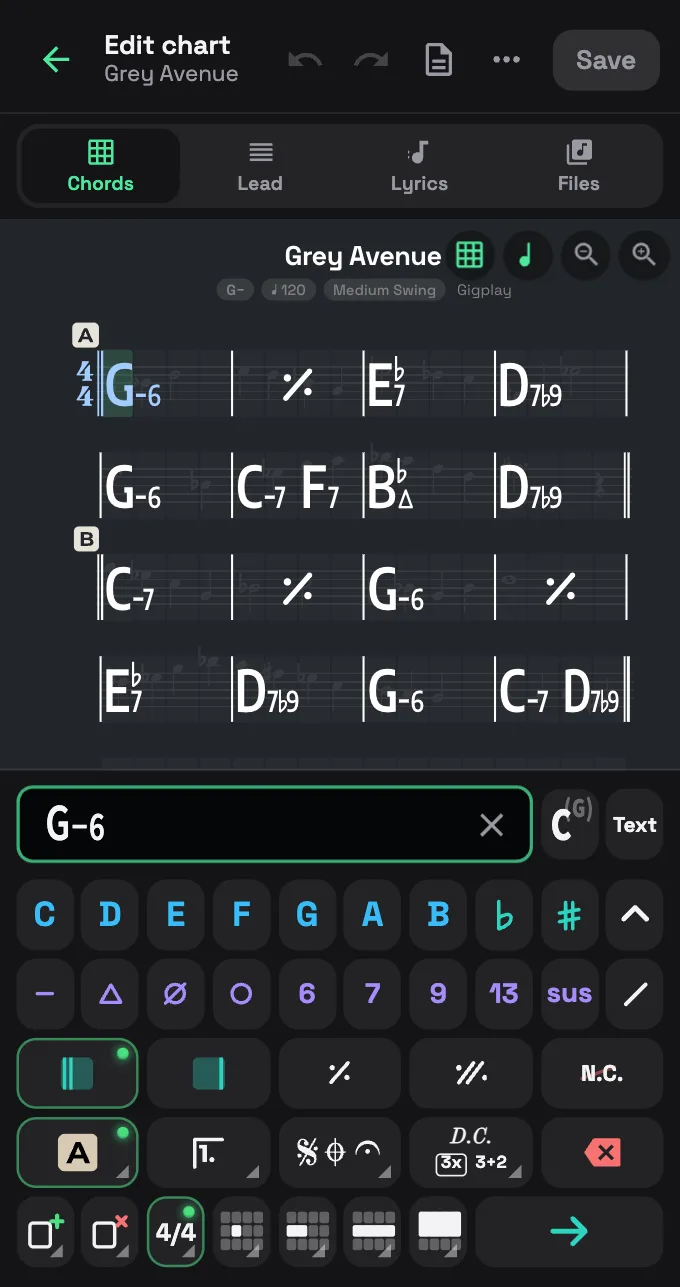 Writing and editing a chartHow to start a new song, write its chords bar by bar, and change a chart you already have.
- 06
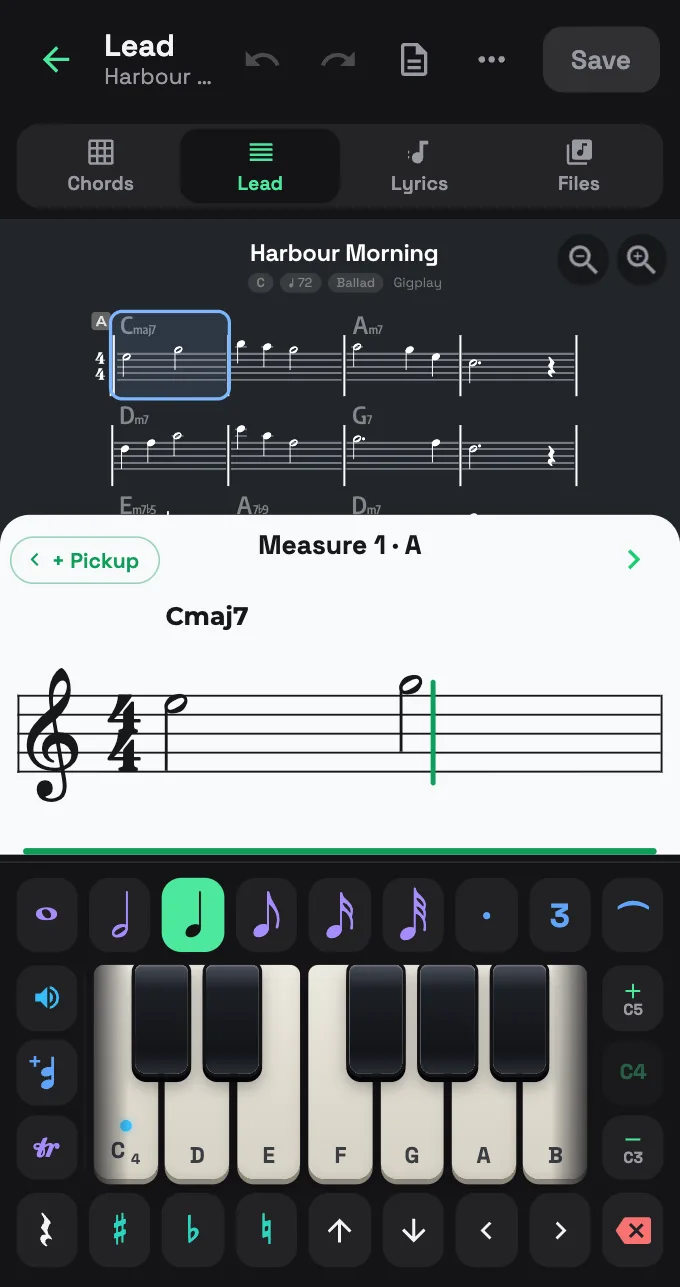 Melody and lyricsHow to write a song's melody on its own piano keyboard and its lyrics as text or ChordPro, and where they show.
- 07
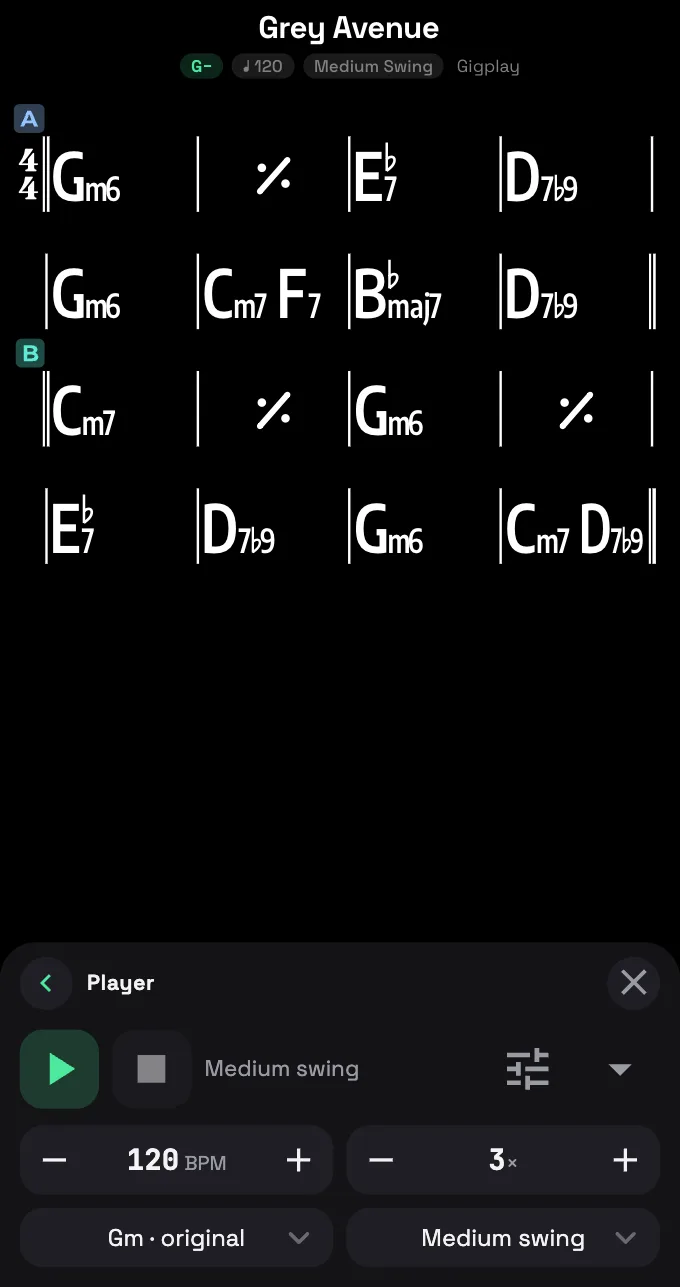 The bandPlay along with piano, bass and drums, at your tempo, in your style and key, and save what the band plays as a file.
- 08
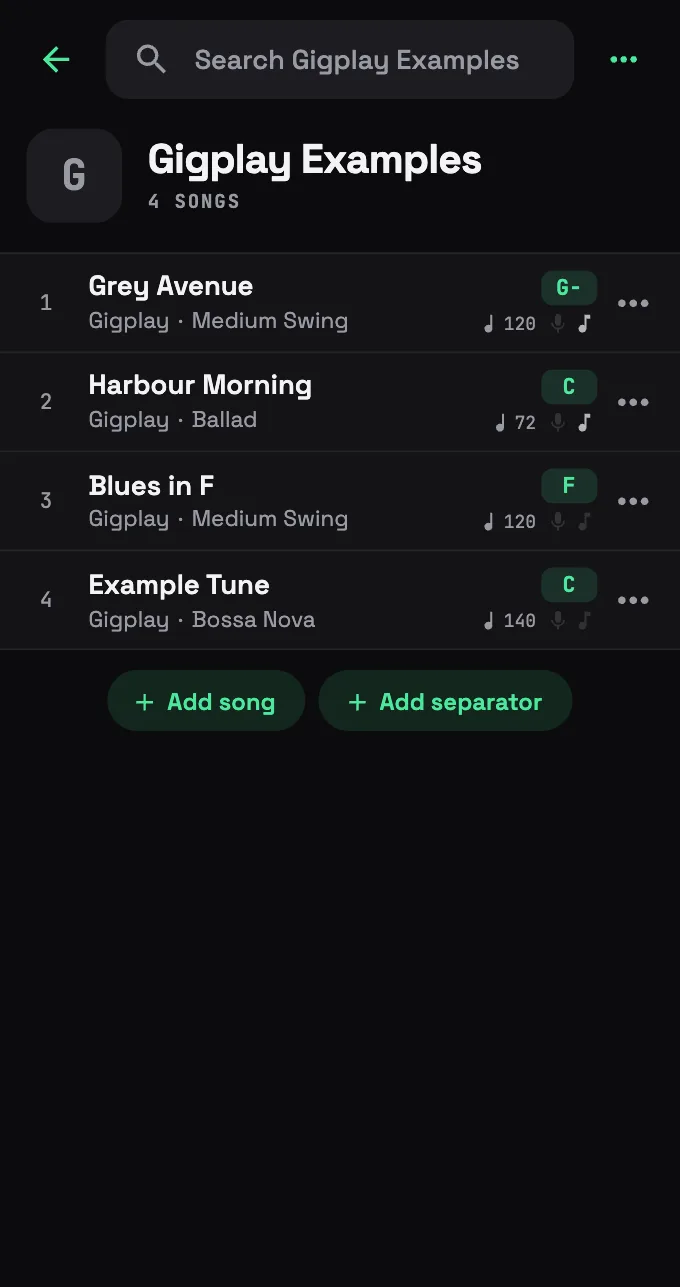 Playlists and your libraryFind your way around your songs: playlists and groups, favourites, smart lists, searching and the Trash.
- 09
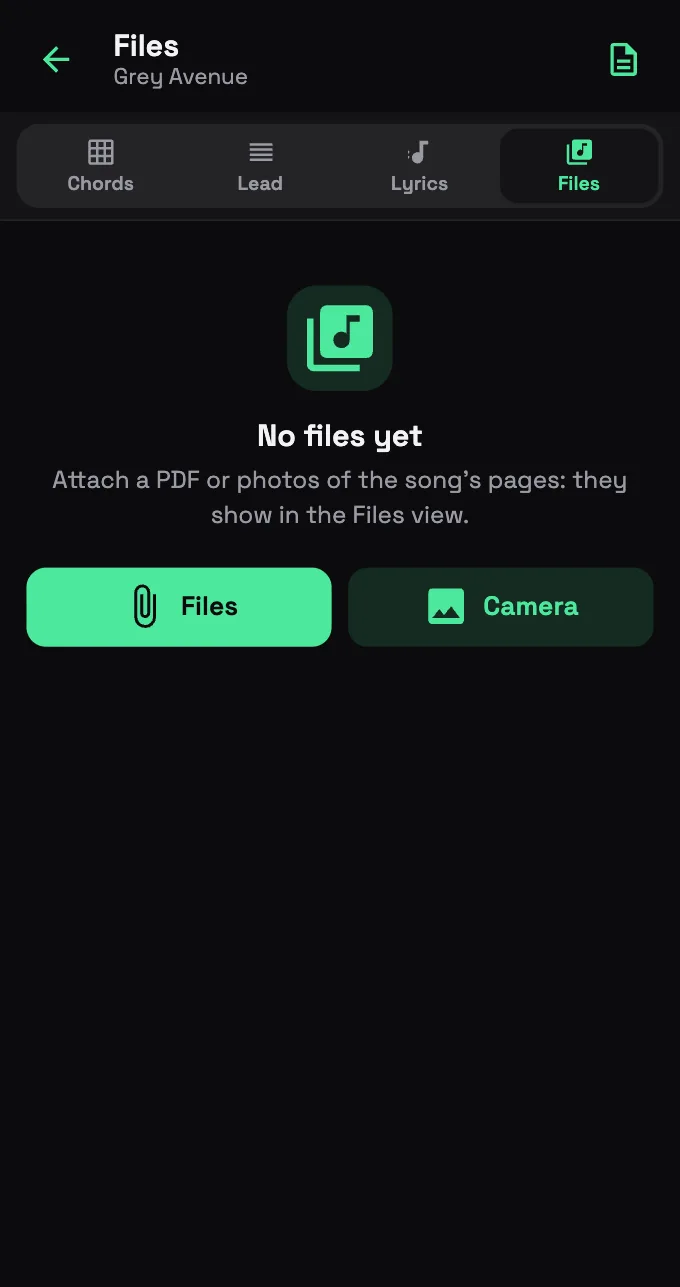 Sheets and photos with a songAttach a PDF or photos of a lead sheet, a part or a book's pages to a song, and read them on stage.
- 10
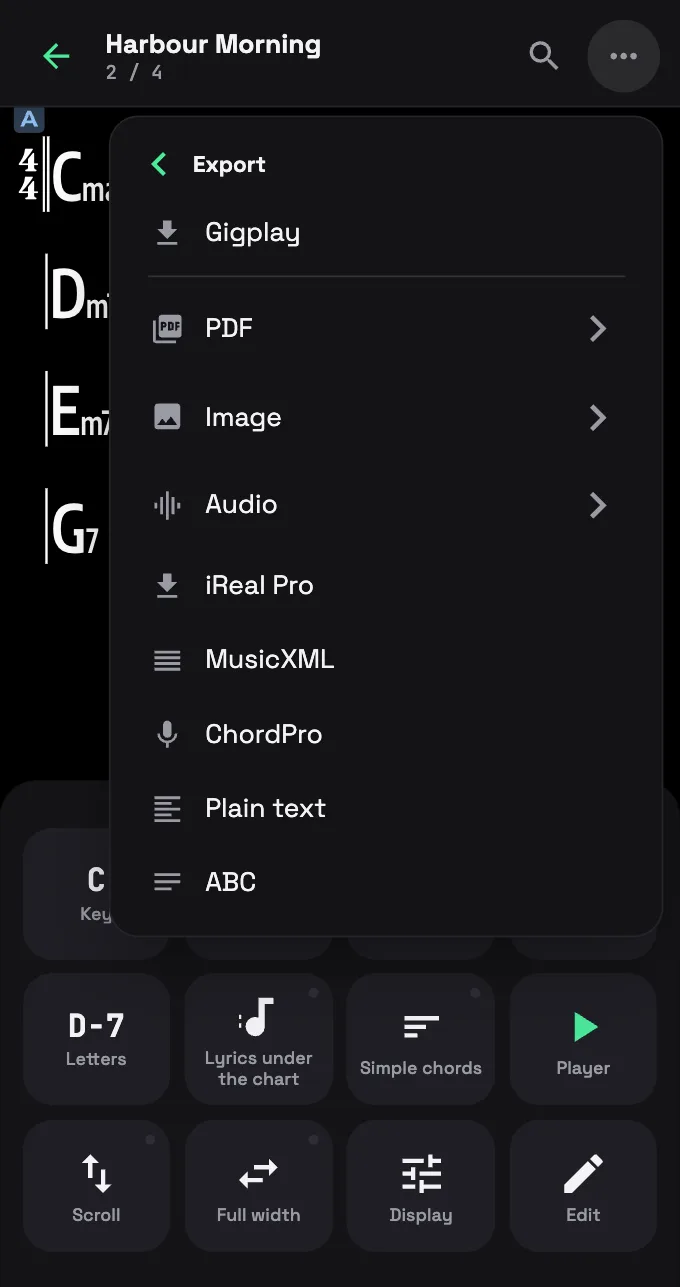 Sharing, exporting and backupsSend a song or a playlist, save a copy of your whole library, and go back to how things were.
- 11
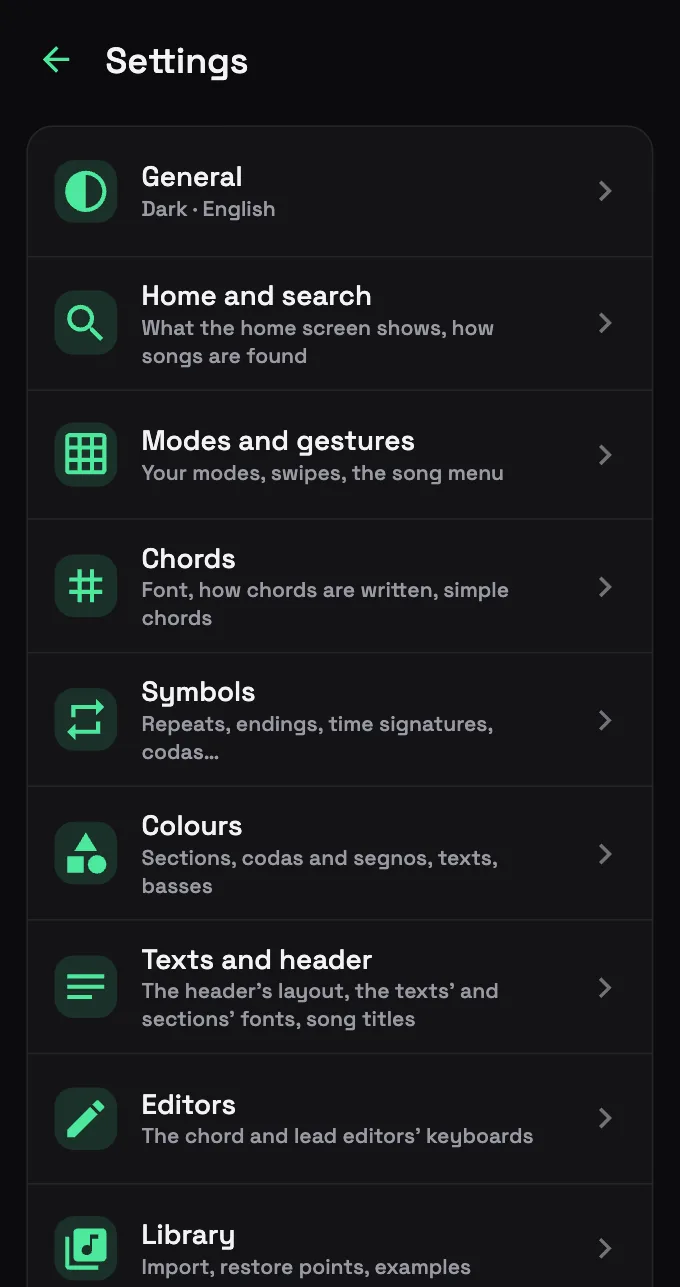 Making it yoursWhat each page of Settings changes, and the few settings most worth a look.